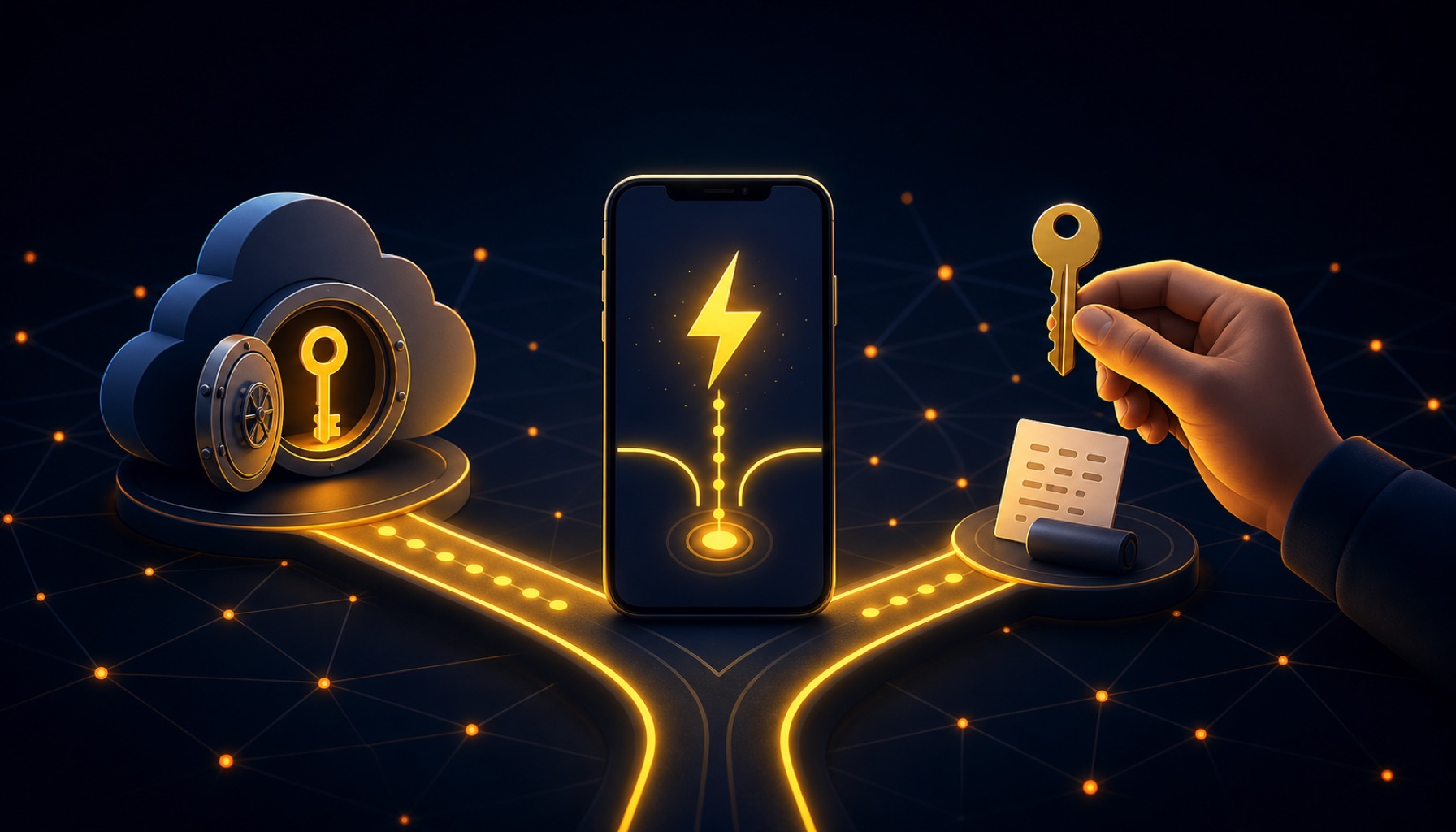
A custodial Lightning wallet lets a provider control the keys and handle channel operations for you. A self-custody wallet gives you control of the keys, plus responsibility for backups and recovery. The right starting point depends on what you value more today: convenience or control.
For a first small Lightning withdrawal, a custodial wallet is usually the shortest path from installation to receiving sats. Self-custody is the stronger fit when you are ready to protect a recovery phrase and accept that some Lightning fees and liquidity details can reach the surface.
This guide compares the two models and four current wallet experiences. It does not rank them. Wallet features, fees, and regional access can change, so confirm the details in the wallet before moving funds.
What is a Lightning wallet?
A Lightning wallet is software that sends and receives bitcoin through the Lightning Network. Lightning moves payments through channels rather than writing every payment directly to the Bitcoin blockchain. That makes small payments practical, but it adds concepts such as channels, routing, and inbound liquidity.
Most beginner wallets hide much of that work. If you want the protocol background first, read how the Lightning Network works.
Custodial and self-custody in plain language
With a custodial wallet, the provider holds the keys that authorize movement of the bitcoin. You sign in to an account, and the provider handles channels, liquidity, and recovery. This is convenient, but the provider can restrict access, suffer an outage, or disappear.
With a self-custody wallet, the keys are yours. The wallet provider cannot simply recover your funds if you lose both the device and backup. Some self-custody wallets still use a Lightning service provider to automate channels and liquidity. That is different from handing over the keys, but it still creates a service dependency.
The practical rule is simple:
- Choose custody when you want the easiest first experience and will keep only a small spending balance there.
- Choose self-custody when control matters more and you are prepared to test your backup before relying on it.
- A phone wallet is for active spending money. Long-term savings deserve a separate security plan.
See our beginner self-custody guide before moving more than a learning balance.
Beginner Lightning wallet comparison
| Wallet experience | Who controls the keys? | Backup and recovery | Channels and liquidity | Lightning receiving and LNURL-withdraw | Platforms | Fees and minimums |
|---|---|---|---|---|---|---|
| Wallet of Satoshi, custodial mode | Wallet of Satoshi | Email sign-in can restore the balance and history | Managed for the user | Lightning invoices and a Lightning Address are documented. LightningFaucet has operationally verified its LNURL-withdraw flow. | iOS and Android. Custodial mode is limited by region. | The current disclosure says there is no Wallet of Satoshi fee for incoming Lightning payments. Routing fees may still apply. Other fees are shown in the app or current disclosure. |
| Wallet of Satoshi, self-custody mode | You | In-app self-custody backup | Managed through its self-custody infrastructure | Official support documents Lightning invoices, Lightning Addresses, and LNURLs. LightningFaucet has operationally verified its LNURL-withdraw flow. | iOS and Android. The official site says self-custody is available everywhere, subject to app and service conditions. | The current disclosure says there is no platform fee for receiving over Lightning, but network or operator fees may apply. Review the quote before confirming any transfer. |
| Blink, custodial or non-custodial mode | Blink in custodial mode. You in its non-custodial Spark mode. | Account authentication in custodial mode. In non-custodial mode, follow the in-app backup guidance. A recovery phrase is required, and Blink says Spark recovery may also require wallet-specific backup material. | Managed for the user in both beginner-facing modes | Blink documents Lightning invoices, Lightning Addresses, and LNURL. LightningFaucet has operationally verified its LNURL-withdraw flow in a tested Blink configuration. Blink says some custodial features are not yet available in non-custodial mode, so confirm the mode and run a small scan test before relying on feature parity. | iPhone, Android, Huawei, and a direct Android package. Availability varies by country. | Blink documents no service fee for Lightning deposits and only routing fees for outgoing Lightning payments in custodial mode. The app and official fee page show current charges. |
| Phoenix | You | A 12-word recovery phrase | Phoenix runs Lightning natively and automates a dynamic channel with splicing and liquidity controls | Phoenix supports Lightning invoices. An issue in ACINQ's official repository documents successful LNURL-withdraw handling, including the Android deep-link fix. LightningFaucet also verifies the flow operationally. | iOS and Android | Phoenix shows the sending fee before confirmation. Mining or liquidity fees can apply when a channel must be created or resized. There is no single useful minimum that applies to every receive because available liquidity and current chain fees matter. |
Wallet of Satoshi and Blink now blur the old one-wallet, one-custody-model rule. Each can present different modes, and availability can vary by region. Blink also states that some features are available only in one mode and that its non-custodial Spark recovery may need wallet-specific backup material in addition to the recovery phrase. Read the setup and backup screens before assuming which model or feature set you received.
Which wallet capabilities matter for small amounts of sats?
LNURL-withdraw support
LNURL-withdraw is the feature that lets a wallet scan a withdrawal QR and create the required Lightning invoice behind the scenes. The base flow is defined in LUD-03.
This support is not the same as accepting an ordinary Lightning invoice. A wallet can pay or create invoices without understanding an LNURL-withdraw request.
LightningFaucet uses LNURL-withdraw. For the exact process, follow the Lightning withdrawal guide.
Lightning Addresses
A Lightning Address looks like an email address, but it requests a Lightning payment. It is useful for repeat payments because the sender does not need a new invoice string each time. Lightning Addresses use an LNURL-based flow, but support for a Lightning Address does not by itself prove support for every LNURL feature.
Backups that match the custody model
Custodial recovery usually means proving control of an account through email, a phone number, or another login method. Self-custody recovery usually means restoring from a recovery phrase or an encrypted backup.
Write down the recovery method during setup. Then confirm that you understand what would happen if your phone vanished. Do not share a recovery phrase with support staff or enter it into a website.
Channel and liquidity management
Inbound liquidity is the capacity available for payments moving toward your wallet. Custodial wallets handle it in the background. Managed self-custody wallets can automate it, but a receive may still trigger a liquidity or on-chain fee.
Before accepting a payment, look at the amount the wallet says it can receive and any fee shown. A wallet with the right feature but insufficient inbound liquidity can still reject a payment.
Fees shown before confirmation
Lightning fees are not one fixed sticker price. A send can include routing fees. A self-custody wallet can also need an on-chain transaction or paid liquidity when it creates or changes a channel.
Treat the confirmation screen as the final quote. For a small withdrawal, stop if a setup or liquidity charge would consume an uncomfortable share of the amount. You can choose a different wallet model or wait until the balance is worth moving.
Platform and regional availability
Check the wallet's official download page for your device and country. Do not install a wallet from an advertisement, a direct message, or an unofficial download mirror. Availability and custody modes can differ across regions even when the app name is the same.
Important Xverse compatibility warning
Do not use Xverse for LightningFaucet's LNURL-withdraw QR flow unless Xverse publishes current LUD-03 support or you complete a reproducible successful test first.
As of August 25, 2026, Xverse's official Lightning announcement documents invoice scanning and pasting, a reusable Lightning Address, and a Lightning balance managed by its partner Sati. It does not document LNURL-withdraw. We also found no current Xverse support article that claims LUD-03 compatibility. That makes LNURL-withdraw support unverified, so this guide treats Xverse as unsupported for this specific flow.
This warning is narrow. Xverse can support other Lightning payment methods without supporting the LNURL-withdraw request used by LightningFaucet.
What happens if the provider disappears or the phone is lost?
In a custodial wallet, access depends on the provider and its recovery process. If the provider closes, freezes the account, or loses records, you may not have an independent way to move the balance.
In a self-custody wallet, a working backup is the route back to the funds. Losing only the phone should be recoverable if the backup is intact and compatible. Losing both the phone and the only backup can make the funds permanently inaccessible.
There is also a middle layer of dependency. A self-custody Lightning wallet may rely on a service provider for channel data, routing, or recovery support. Read the wallet's recovery instructions rather than assuming a seed phrase restores every Lightning state in the same way.
A practical path for a beginner
- Install only from the wallet's official site or verified app-store listing.
- Read the setup screen and identify the custody mode before receiving funds.
- Complete the documented backup or account-recovery steps.
- Receive a small test payment first.
- For LightningFaucet, use a wallet with verified LNURL-withdraw support and scan from inside the wallet.
- Check the fee and receive capacity before confirming.
- Keep learning balances separate from long-term savings.
If you want a small balance to test with, explore the current ways to earn sats, then withdraw through the documented LNURL flow.
Sources
- LNURL LUD-03 withdrawRequest specification
- Wallet of Satoshi official site and custody-mode FAQ
- Wallet of Satoshi disclosure, including current fee language
- Wallet of Satoshi self-custody send and receive guide
- Blink official features
- Blink official security and recovery information
- Blink official transaction fee FAQ
- Blink non-custodial launch and feature-availability notes
- Blink seed phrase and Spark recovery guidance
- Blink terms for mode, feature, and recovery details
- Phoenix official site
- Phoenix official repository and recovery guidance
- ACINQ explanation of Phoenix splicing and fee behavior
- ACINQ repository issue documenting LNURL-withdraw handling
- Xverse official Lightning announcement
- LightningFaucet operational LNURL-withdraw guide