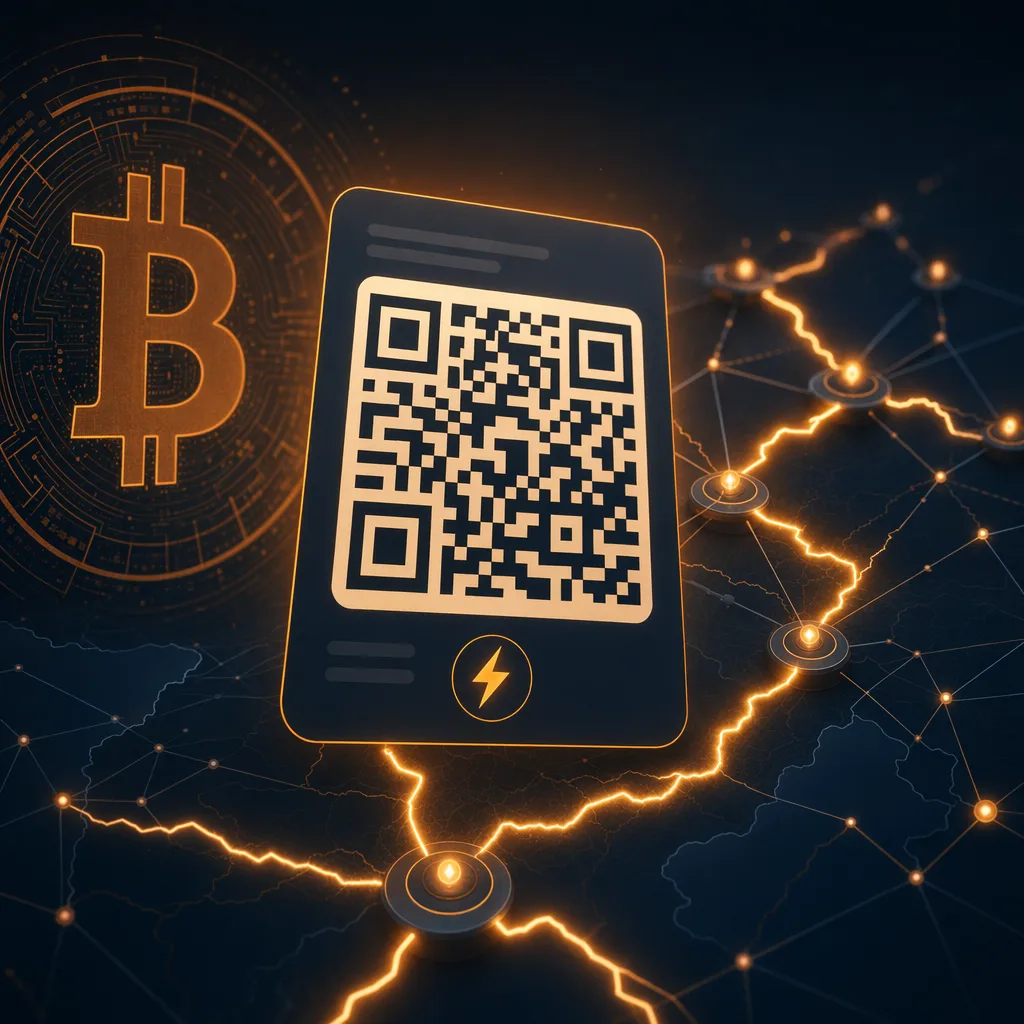
What is a lightning invoice? If you have ever copied a long string that starts with lnbc, scanned a QR code, or tapped a Lightning payment request in a wallet, you have already used one. A Lightning invoice is the standard way someone asks to receive a payment over the Bitcoin Lightning Network.
The easiest mental model is this: an on-chain Bitcoin address says where funds can be sent, while a Lightning invoice says who should be paid, how much should be paid, what the payment is for, and when the request expires. It is a payment request, not a permanent account number.
That difference matters. Lightning is built for fast, small payments. Instead of broadcasting every transaction to the Bitcoin blockchain, Lightning payments move across payment channels. To make that work safely, the receiver creates an invoice first. The payer's wallet reads the invoice, finds a path through the Lightning Network, sends the payment, and receives cryptographic proof that the invoice was paid.
Why Lightning Invoices Exist
Lightning invoices solve two practical problems at once. First, they give the payer all the details needed to make a payment without asking follow-up questions. Second, they keep each payment tied to a specific request, which makes accounting and proof of payment much cleaner.
If a cafe wants to charge 2,000 sats for a coffee, it can generate a unique invoice for that sale. If a developer wants to charge 50 sats for an API call, the service can create an invoice for that exact request. If you want to test a wallet with a few free sats, a faucet can create a small payment request and settle it over Lightning.
Because invoices are unique, the receiver can tell which payment was completed. Because invoices usually expire, old requests do not hang around forever. And because the invoice includes a payment hash, the payer can prove the payment was made when the receiver reveals the matching preimage after settlement.
What a Lightning Invoice Contains
Most people never need to decode a Lightning invoice by hand, but it helps to know what is inside. A typical BOLT11 invoice includes the network, the amount, the destination node, the payment hash, an expiry time, and a description or description hash. It may also include routing hints that help wallets reach private or less connected nodes.
The amount can be fixed or left blank. A fixed invoice tells the wallet exactly how many sats to send. A zero-amount invoice lets the payer choose the amount, which is useful for tips and donations. For beginners, fixed invoices are easier because the wallet can show the amount before payment.
The expiry time is important. Many invoices expire after a few minutes or hours. If you try to pay an expired invoice, your wallet should reject it and ask for a fresh one. That is normal. It protects both sides from stale payment requests.
The description is what the payer sees in the wallet. It might say Free sats claim, API request, coffee, donation, or subscription renewal. Before paying, read the description and amount together. If either one looks wrong, do not pay. Ask the receiver for a new invoice.
How Paying a Lightning Invoice Works
The flow is usually simple. You scan a QR code or paste an invoice into your wallet. The wallet decodes the invoice and shows the amount, description, and expiry. You confirm. The wallet finds a route through the Lightning Network and attempts the payment. If the route works, the receiver gets the sats and your wallet receives the preimage as proof.
Most successful Lightning payments settle in seconds. If a route fails, your wallet may retry through a different path. If all routes fail, no money should leave your wallet. This is one reason Lightning feels different from on-chain Bitcoin: payment attempts can fail quickly without creating a blockchain transaction.
Fees are usually tiny, especially for small payments, but they are not always zero. A Lightning route can include forwarding fees charged by routing nodes. Good wallets show the fee before payment or enforce a maximum fee limit. For learning payments, the fee is often less than a sat or only a few sats, depending on wallet and route.
How to Read a Lightning Invoice Safely
You do not need to understand every character, but you should check four things before paying. Check the amount. Check the description. Check the expiration. Check that the invoice came from the site, person, or wallet you intended to pay.
Be careful with screenshots and copied invoices from old chats. A Lightning invoice is not a general-purpose Bitcoin address. It can expire, and it may be tied to a single order. If someone sends you an old invoice and asks you to pay it again, request a fresh one.
Also remember that Lightning payments are final once settled. They are fast because they do not depend on card networks, chargebacks, or bank reversals. That is useful for small digital payments, but it means you should treat payment confirmation seriously.
Where LightningFaucet Fits
LightningFaucet.com is designed to make these concepts easier to learn with real sats. Instead of starting by buying bitcoin, you can claim free sats from the faucet and use them to practice reading invoices, sending small payments, and understanding how Lightning settlement feels in a wallet.
That hands-on experience is valuable because Lightning is much easier to understand after the first payment. A BOLT11 invoice stops looking like a wall of letters and starts looking like what it really is: a compact payment request that your wallet can understand instantly.
If you are new, start small. Claim a few sats, open a Lightning wallet you trust, and pay attention to the amount, description, and fee fields. The goal is not to move a lot of money. The goal is to build payment confidence before you use Lightning for anything larger.
FAQ
Is a Lightning invoice the same as a Bitcoin address?
No. A Bitcoin address can receive on-chain payments and may be reused, although reuse is bad for privacy. A Lightning invoice is a payment request for the Lightning Network. It usually expires and is meant for a specific payment.
Can a Lightning invoice expire?
Yes. Most Lightning invoices include an expiry time. If an invoice is expired, ask the receiver for a new one instead of trying to force the payment through.
Do I need to decode invoices manually?
No. A normal Lightning wallet decodes invoices for you and shows the amount, description, and expiration before you pay. Manual decoding is useful for learning, but it is not required for everyday payments.
Can I practice with free sats?
Yes. Visit lightningfaucet.com to claim free sats from the faucet, then use a Lightning wallet to practice with small payment requests before sending larger amounts.